Plant Floor to Corporate Messaging for Manufacturing, Industrial, and Multi-Plant Orgs
Connect plant floor operations (Slack) to corporate engineering and procurement (Teams). Coordinate production escalations and quality holds in real time.
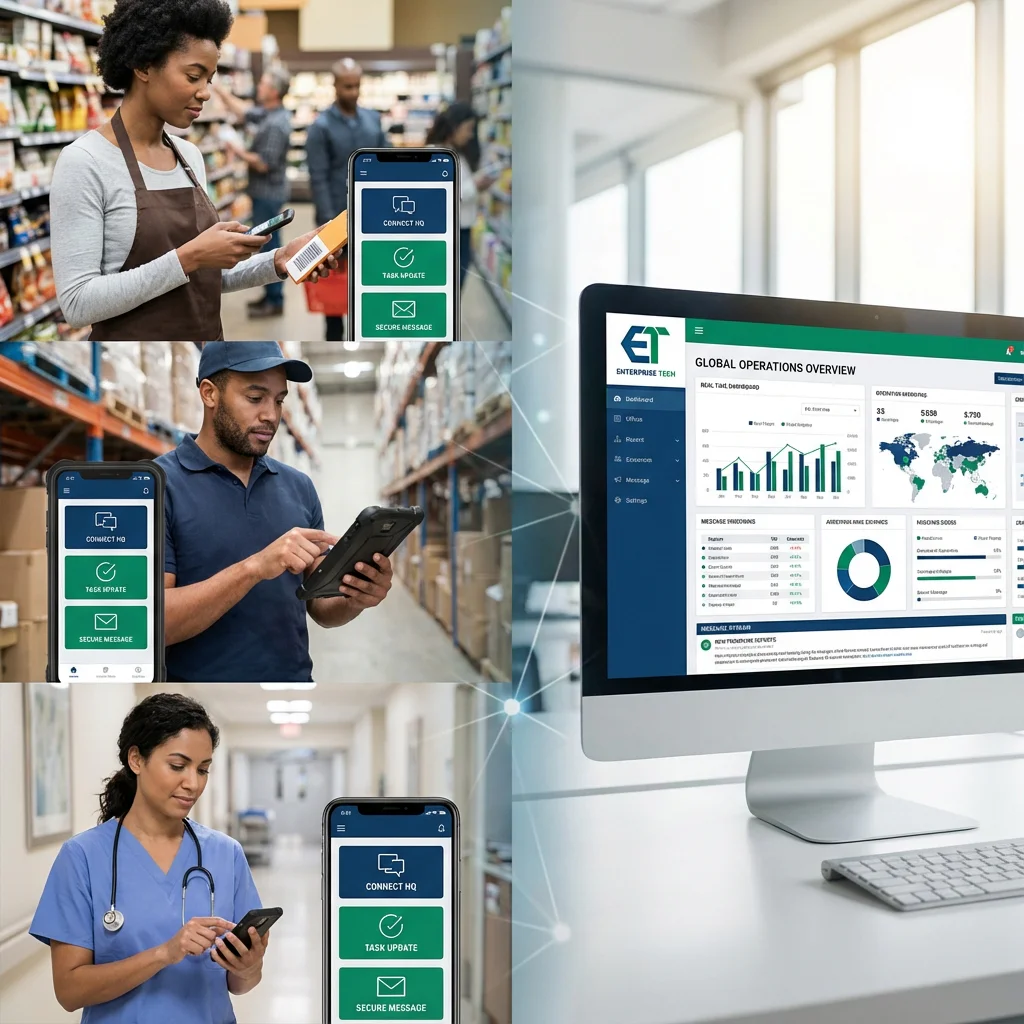
The Manufacturing Messaging Gap
Why plant-to-corporate platform splits, acquisition integration delays, and ERP alert follow-up gaps create operational failures — and how SyncRivo helps
Plant Floor vs. Corporate Platform Split
Corporate engineering and procurement on Teams; plant floor supervisors and operations on Slack or mobile. Production alerts and quality holds don't cross the gap without phone calls or email.
SyncRivo bridges plant floor Slack channels to corporate Teams in real time. Production updates, quality hold discussions, and maintenance escalations relay bidirectionally. Plant supervisors respond in Slack; engineering sees it in Teams, typically within seconds.
Multi-Plant Acquisition Integration
Manufacturing group acquires a plant or brand with its own messaging environment. Engineering coordination, procurement alignment, and quality management require months of IT integration.
SyncRivo bridges the acquired plant once admins approve the app. Each facility keeps its existing tools. Cross-plant production coordination, shared procurement channels, and quality escalations happen in real time.
ERP Alert Follow-Up Gaps
SAP or Oracle ERP fires production alerts, inventory signals, and maintenance notifications to internal channels; plant managers on different platforms miss time-sensitive signals.
ERP and MES systems post alerts through their own chat integrations; SyncRivo does not relay bot or app messages. It bridges the human escalation between Slack and Teams, so production follow-up reaches the right team regardless of which platform they use.
The SyncRivo Advantage
Secure Routing Layer
Messages are encrypted in transit (TLS) and message content is not stored on the normal relay path — only message IDs are kept to sync threads, edits and reactions.
Enterprise Identity & Directory Sync
Directory sync on Slack, Microsoft Teams, Google Chat, Webex and Zoom Team Chat, so mentions and sender names stay consistent across platforms.
Governance & Activity Logs
Activity log and security event history (JSON export), per-connection admin switches and owner/admin/member roles. BAA available for Enterprise customers; DPA and sub-processor list available.
Manufacturing Signal Routing Architecture
Real-time human messaging from plant floor to corporate across Slack and Teams
Manufacturing Conversations
- Plant Slack Channels
- Corporate Teams Channels
- Supplier Channels
- Mobile Apps
SyncRivo Routing
- Mention Translation
- Per-Plant Channels
- Identity Resolution
- Real-Time Delivery
Platform Delivery
- Slack Plant Ops
- Teams Corporate
- Procurement Channels
- Group DMs
Admin Controls
- Directory Sync
- Partner Connections
- Per-Connection Switches
- Activity Log
Manufacturing Messaging Wins
How manufacturing and industrial organizations use SyncRivo for plant-to-corporate bridges, escalation follow-up, and multi-plant acquisition connectivity
Plant Floor to Corporate Bridge
SyncRivo connects plant floor Slack to corporate Teams bidirectionally. Messages about production and quality holds reach engineering and procurement in real time. No guest accounts, no platform switch, no software to install on the plant floor.
Multi-Plant Acquisition
Acquired plant keeps its existing messaging tools. Parent company stays on Teams. SyncRivo bridges both once admins approve the app — production coordination, procurement alignment, and quality escalations proceed without forcing migration.
ERP Alert Discussion
SAP, Oracle ERP, and MES post alerts through their own chat integrations. SyncRivo bridges the channel where plant floor Slack and corporate Teams discuss them. Bot and app messages are not relayed.
Quality Hold Escalation
Quality hold discussions in plant floor Slack reach corporate engineering Teams in real time (notifications posted by QMS or MES apps are not relayed). Both sides acknowledge and resolve in their native platform — no cross-platform delays in quality response.
Supplier Coordination Bridge
Procurement on Teams, key suppliers on Slack or Google Chat. SyncRivo partner connections bridge supplier channels so procurement and supply chain teams communicate with vendors natively — without guest account invitations or email chains.
Manufacturing FAQ
Common questions from manufacturing IT directors, operations leaders, and plant engineering teams.
SyncRivo requires no on-premise installation and no plant floor agents. The bridge is configured entirely in the cloud dashboard using OAuth credentials from both the plant Slack workspace and the corporate Teams tenant. Plant floor supervisors continue using their existing Slack or Webex mobile apps — there is no new software to install. Your Slack and Teams admins do need to approve the app.
Bridges connect specific channels, so each plant or facility can have its own bridged channels. Messages flow only between the channels you bridge — a Plant A bridge does not carry Plant B channels. Cross-plant channels (like shared procurement or quality escalation) can be bridged explicitly.
No. SyncRivo has no SAP, Oracle ERP, Microsoft Dynamics, MES or SCADA integration, and messages posted by bots and apps are not relayed. Those systems should post alerts through their own Slack or Teams integrations. SyncRivo bridges the human conversation, so plant operations on Slack and corporate engineering on Teams can respond to an alert together in one bridged channel.
Plant floor workers using Slack, Webex, or Zoom on mobile devices receive messages in their existing app — SyncRivo does not require a separate mobile application. Corporate messages relayed from Teams appear in the plant floor worker's app with the sender's name. Messages typically arrive within seconds.
No. SyncRivo does not currently hold a SOC 2 report; we provide a security questionnaire and architecture review on request. A DPA and sub-processor list are available, and SyncRivo keeps an activity log and security event history (JSON export).
Ready to connect? Slack ↔ Teams connection setup →
Three-Platform Bridges
Slack + Teams + Google Chat
Bridge all three major enterprise messaging platforms.
Slack + Teams + Webex
Connect Slack and Teams users with Cisco Webex.
Slack + Teams + Zoom
Unify Slack, Teams, and Zoom Team Chat.
Slack + Google Chat + Zoom
Three-way bridge for Slack, Google Chat, and Zoom.
Slack + Google Chat + Webex
Unify Slack, Google Chat, and Cisco Webex.
Slack + Zoom + Webex
Bridge Slack with both Zoom and Webex.
Teams + Google Chat + Zoom
Connect Teams, Google Chat, and Zoom Team Chat.
Teams + Google Chat + Webex
Bridge Teams, Google Chat, and Cisco Webex.
Teams + Zoom + Webex
Unify Teams, Zoom, and Webex in one bridge.
Google Chat + Zoom + Webex
Connect Google Chat with Zoom and Webex.
Connect Your First Plant
Your first plant-to-corporate bridge is typically live during onboarding, once your admins approve the app. No migration required.